EduSourced In-Customize Bidding Questions and Project Intake Form
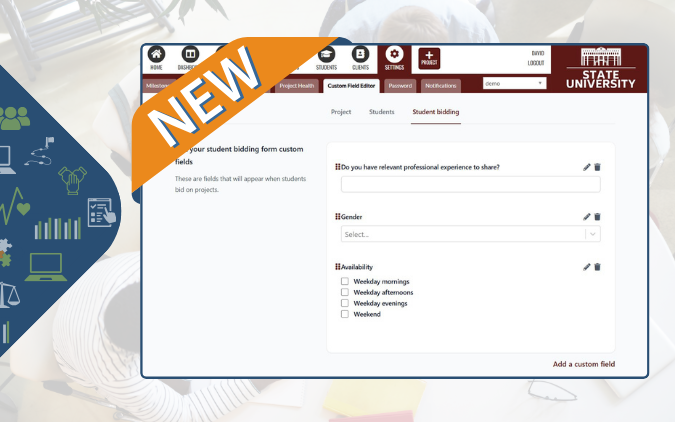
Admin users have access to their workspace’s custom field editor. To get there, click Settings > Custom Field Editor and select the form you want to build:
- Project intake form
- Student fields
- Student bidding questions
Drag and drop your fields, create new ones including text entry, multi select checkboxes and single select dropdowns.
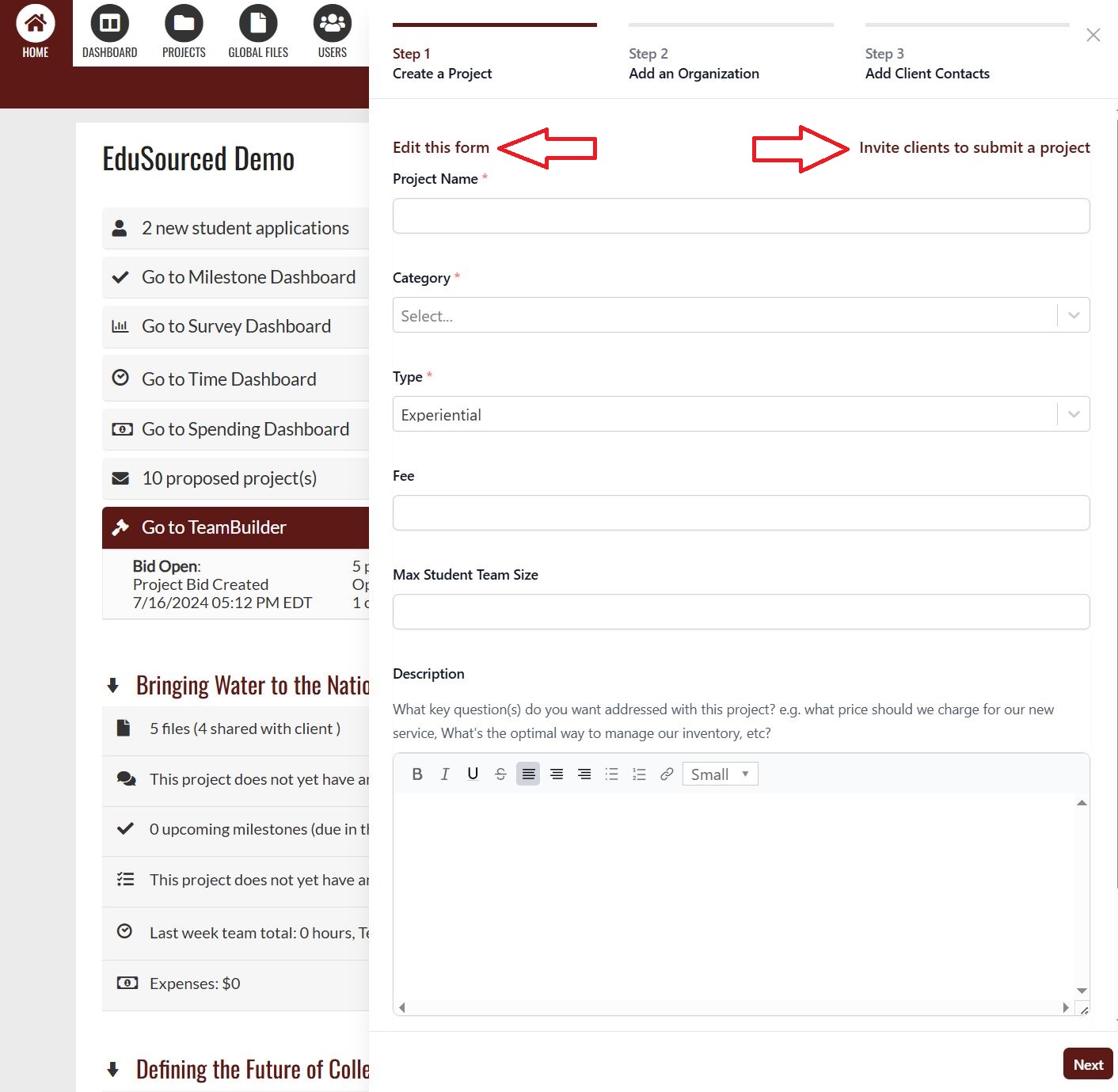
+Project internal project creator now includes a link to your project intake form. Use this button to retrieve your project submission form link and invite clients to send you projects. Note the Edit this form link as well to go right to the form builder.
Also included in this update:
- Removes Office Online pop-up that displayed in projects’ files tab.
- Escape key no longer rejects a project budget line item as this was causing confusion.
- Resolves an issue that was preventing users from being able to edit newly created project budget expenses until they refreshed the page.
- Improved error handling throughout the product.
- Small UI improvements.